1. Create or access your account
Your account securely connects your trial, license, downloads and support.
Your account securely connects your trial, license, downloads and support.
When your trial or license is active, your customer area provides the approved commercial release.
Use a webcam or a smartphone configured as a compatible video source.
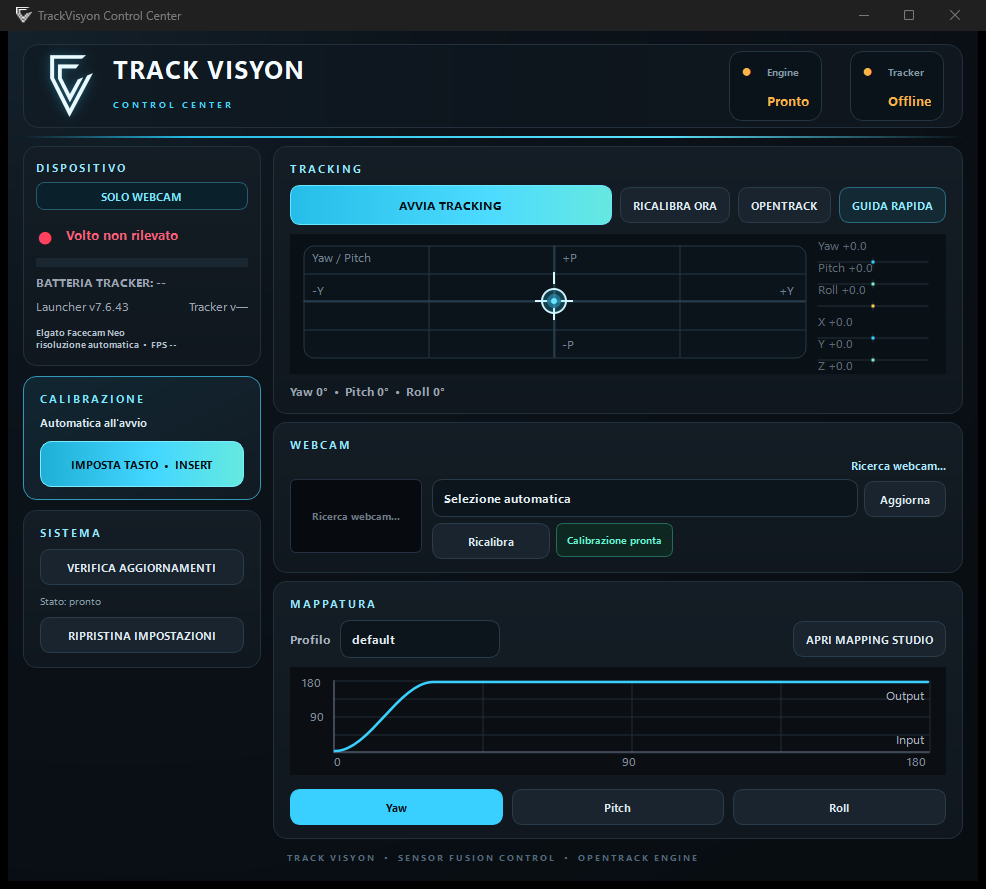
The initial procedure adapts behaviour to the source and brings you to the operating centre.
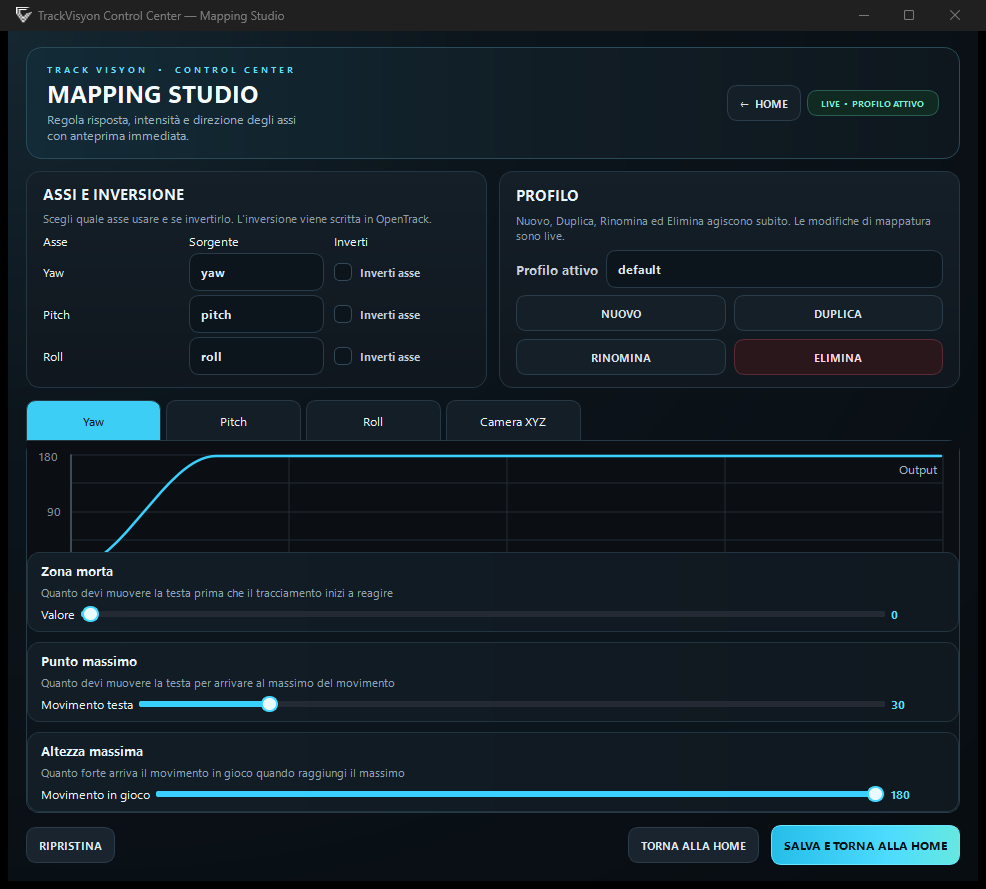
TrackVisyon sends all six axes through the head-tracking path supported by the game and your OpenTrack setup.
Open guide
Open guide
Open guide
Open guide
Open guide
Open guide
Open guide
Open guide
Open guide